

Chroma
























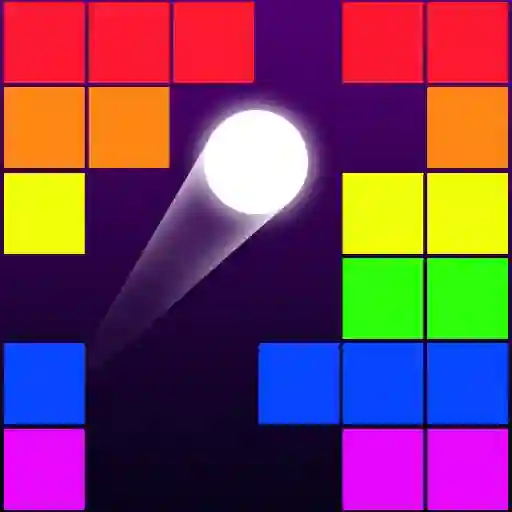
Chroma
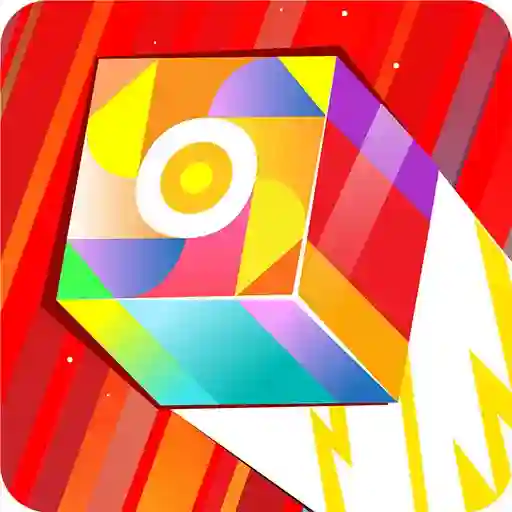
Play Chroma: A vibrant puzzle game by Playtouch! Solve elegant color-based brain teasers in this addictive timekiller. Perfect for kids and daily commutes.
What is Chroma?
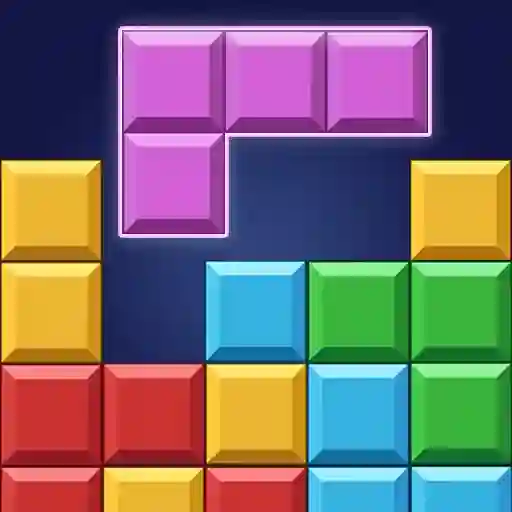
Welcome to Chroma – your new favorite brain teaser that turns color matching into pure magic! Created by Playtouch, this addictive puzzle game is perfect for quick sessions during commutes or coffee breaks. Imagine a world where vibrant hues become your puzzle pieces, and your goal is to create harmonious patterns through clever arrangements. What makes Chroma special is how it transforms simple color mechanics into surprisingly deep challenges that'll have you hooked. The clean, minimalist design feels like digital meditation, while the elegant puzzles keep your mind buzzing. Trust me, you'll love how satisfying it feels when those colors finally click into place!
Game Features?
• Hypnotic Color Mechanics: Manipulate vibrant hues in clever ways – watching colors blend and resolve is oddly therapeutic!
• Bite-Sized Brain Teasers: Perfect for quick sessions with puzzles that ramp up in elegance and complexity.
• Minimalist Visual Design: Clean, uncluttered interface that lets the gorgeous colors pop without distractions.
• Addictive Progression: Each solved puzzle unlocks tougher challenges that feel incredibly rewarding to crack.
• Kid-Friendly Fun: No violence or stress – just pure colorful logic puzzles suitable for all ages.
• Endless Replayability: Randomly generated puzzles ensure no two playthroughs feel identical.
• Instant Gratification: Immediate visual feedback when you nail a color combination – so satisfying!
How to Play Chroma?
- Start Simple: Begin with introductory levels to grasp how colors interact and combine on the grid.
- Drag & Drop: Use your mouse to click and drag color tiles onto the playfield – it's super intuitive!
- Match Patterns: Arrange colors to replicate the target pattern shown, paying attention to hue relationships.
- Rotate Elements: Right-click on tiles to rotate them when orientation matters for the solution.
- Undo Mistakes: Hit Z on your keyboard if you need to backtrack (we all make mistakes!).
- Complete the Grid: Fill every space correctly to see the entire puzzle harmonize before your eyes.
- Level Up: Success unlocks trickier puzzles with more complex color interactions – the real fun begins!
Keyboard Shortcuts:
- Arrow keys/WASD: Navigate menus
- Z: Undo last move
- R: Reset current puzzle
Mouse Controls:
- Left-click & drag: Move color tiles
- Right-click: Rotate selected tile
- Mouse wheel: Zoom in/out on puzzle grid
- Hover: Preview tile placement effects
Frequently Asked Questions
What's the main goal in Chroma?
You solve elegant color-matching puzzles by arranging tiles to recreate specific vibrant patterns.
Is there a time limit or scoring system?
Nope! It's a relaxed experience focused on the "aha!" moment when colors click into place.
Why do I get stuck on later levels?
Advanced puzzles require spotting subtle hue relationships – try rotating tiles or stepping back to see the whole color story!
Can I replay completed puzzles?
Absolutely! Every puzzle reshuffles when replayed, giving you fresh challenges.
Are there hints if I'm totally stuck?
The game encourages experimentation, but sometimes walking away and returning helps your brain spot new solutions!
Why do colors sometimes look different when placed?
Ah, the magic! Some tiles interact with adjacent colors – watch how placements affect neighboring hues.
Is there sound/music?
Minimal soothing tones enhance the zen vibe without distracting from the colorful puzzles.
How many levels are there?
Enough to keep you busy for ages, with new complexity introduced gradually.
Can kids really play this?
Totally! The intuitive drag-and-drop makes it accessible, while the logic grows with their skills.
What makes Chroma different from other puzzle games?
Its pure focus on color relationships creates a uniquely calming yet mentally engaging experience – like visual ASMR for your brain!